 Baggel
Status System
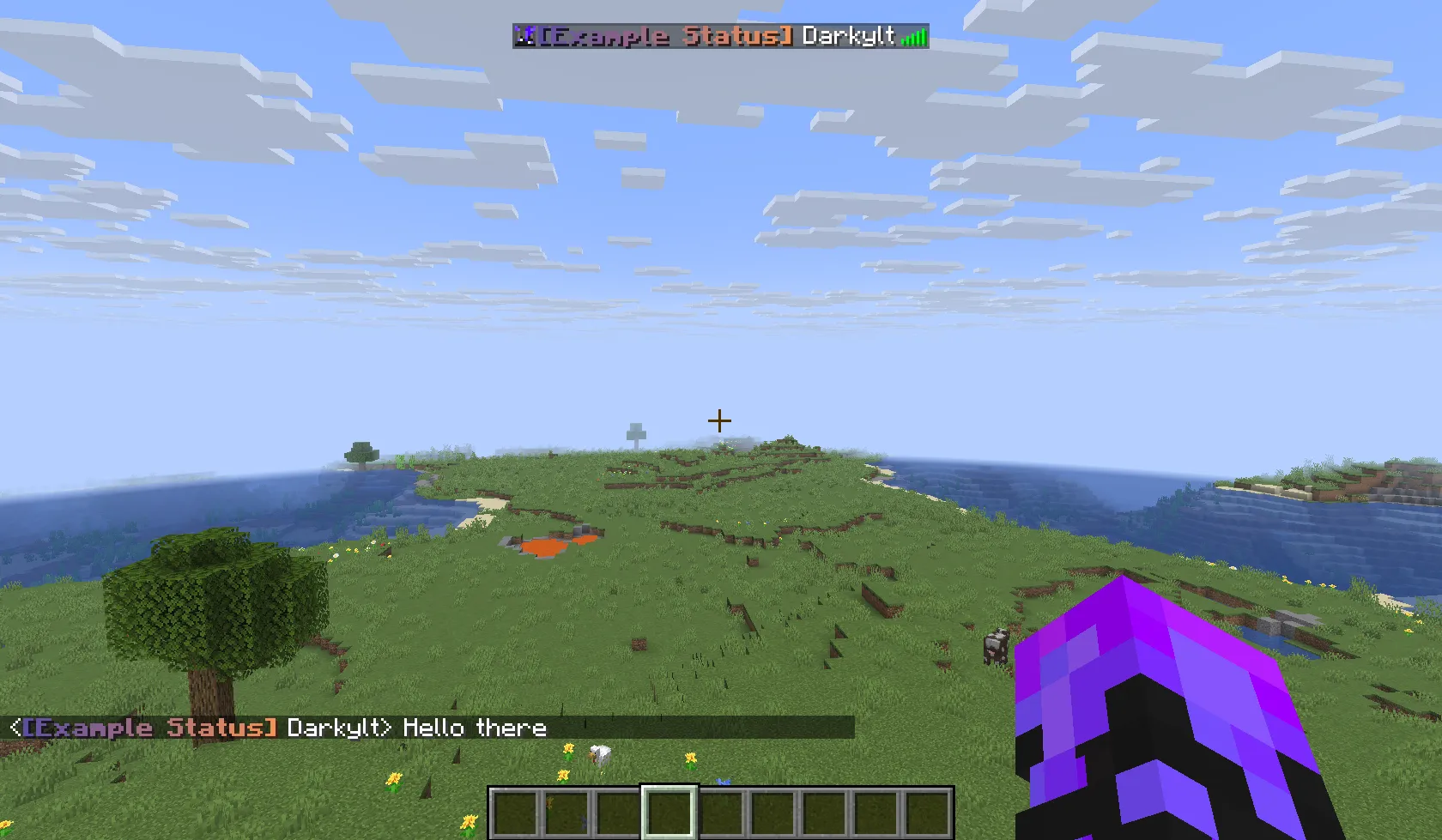
A Status is a small piece of text that appears in front of your name in the game.
You can assign yourself a status using /status set <status> and remove it using /status remove.
Statuses are added by administrators in the config file. In BuildMC events, players are often allowed to submit their own statuses. A status is defined using the MiniMessage format. Tools like the official MiniMessage Viewer or Birdflop can help you design your status (set Color Format to MiniMessage).
Example status:
<b><gradient:#5e4fa2:#f79459>[Example Status]</gradient></b><reset>
Make sure to include a <reset> tag and a whitespace character at the end. Without it, your formatting might bleed into your name:

Note: Not all statuses may be available to you. The admins control which tags can be used by everyone, by specific teams, or by players with certain permissions. You will only see and be able to use the statuses allowed for your account.
Fun fact: admins can see all of the beautiful status tags in the console as well:

A good status is short, recognizable, and visually appealing.