 Baggel
Claim System
Introduction
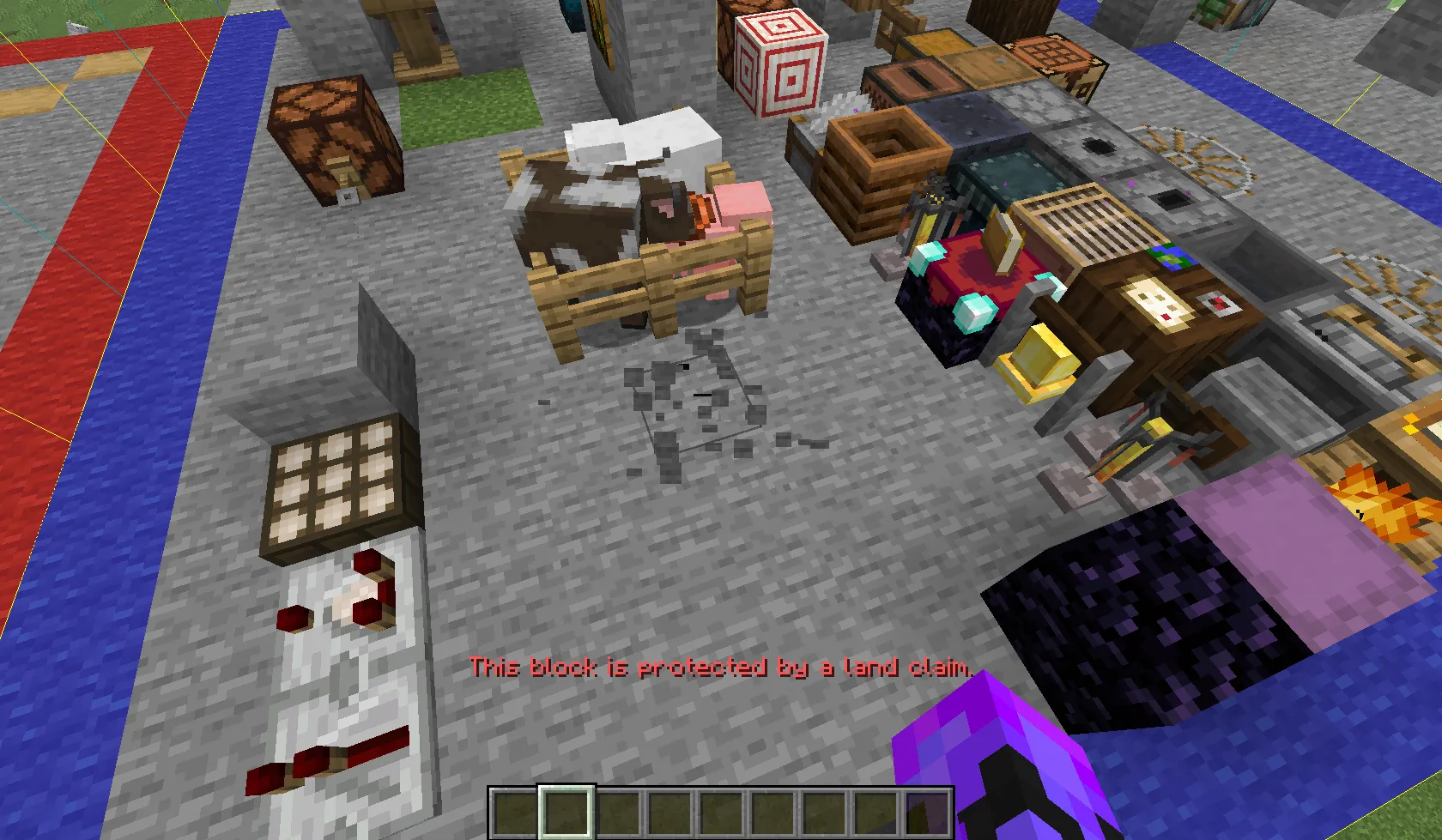
The Claim System exists to protect your builds and prevent griefing. In previous BuildMC servers, griefing was a recurring issue. To ensure fair play and preserve creativity, BuildMC introduced a powerful claim system that allows players and teams to claim areas of chunks that others cannot access or modify.
Types of Claims
There are four types of claims in the BuildMC claim system, each serving a different purpose:
- Team Claim: Created by a team member and shared with all members of the same team. Everyone on the team can access, manage, and delete the claim.
- Player Claim: Created by an individual player and owned solely by them. Only that player can access, modify, or delete the claim.
- Server Claim: Created by administrators to protect important or global areas. These areas cannot be accessed by anyone except admins, who control their settings.
- Placeholder Claim: Used by admins to prevent others from claiming a certain area (e.g., shopping districts). It doesn’t protect the land but simply reserves it.
Creating a Claim
To create a claim, you first need to define the area to be claimed. Use the
/claim claimtool command to obtain the Claim Tool.
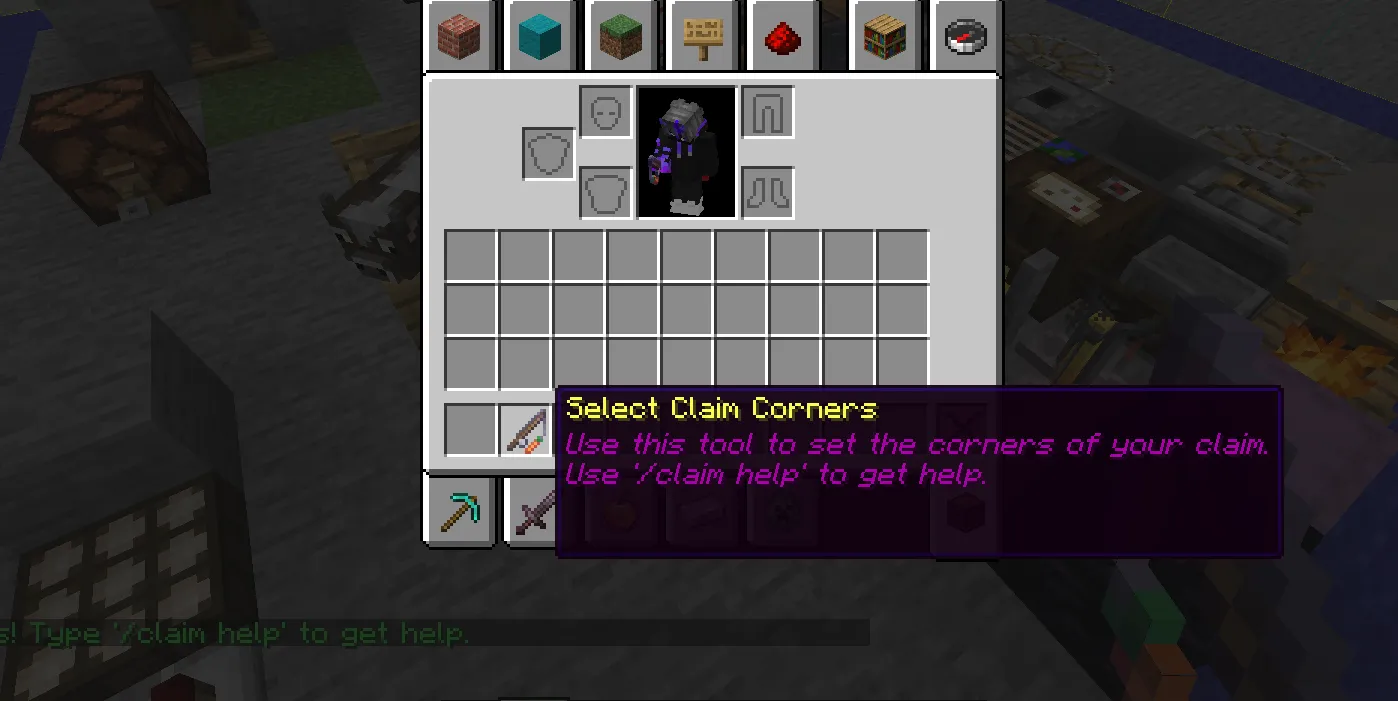
With the claim tool in hand:
- Left-click to mark the first corner chunk of your selection.
- Right-click to mark the second corner chunk.
The selection size is limited (default: 10×10 chunks). Once your area is selected, use:
claim create <type> <name>
Replace <type> with one of team, player, or server,
and <name> with your chosen claim name.
After creation, your claim is immediately protected using the default settings. Players and teams both have limits on how many chunks they can claim (defaults: 256 chunks for players and 1024 chunks for teams).
Claim Management UI
The claim system includes an easy-to-use graphical interface for editing your claims.
Open it with /claim or
/claim edit.
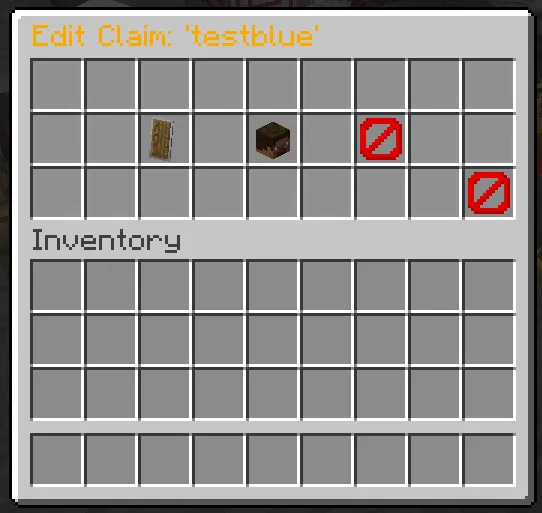
Through the UI you can:
- View all your claims
- Edit claim protections
- Manage whitelisted players
- Delete claims you no longer need
Protections
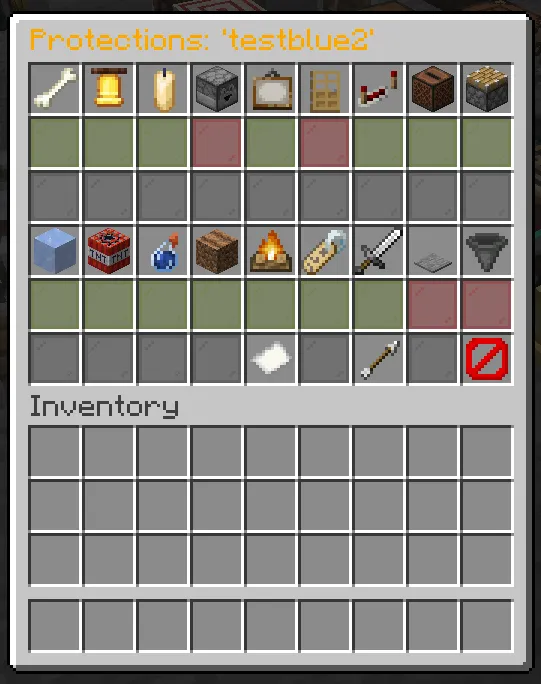
Protections define what parts of your claim are secured. You can modify them via command:
/claim protections <type> <name> <protection> <true/false>
However, it’s recommended to use the UI for this. Inside the Protections menu, toggle protections using the green (enabled) and red (disabled) glass panes. Each option comes with a short description.
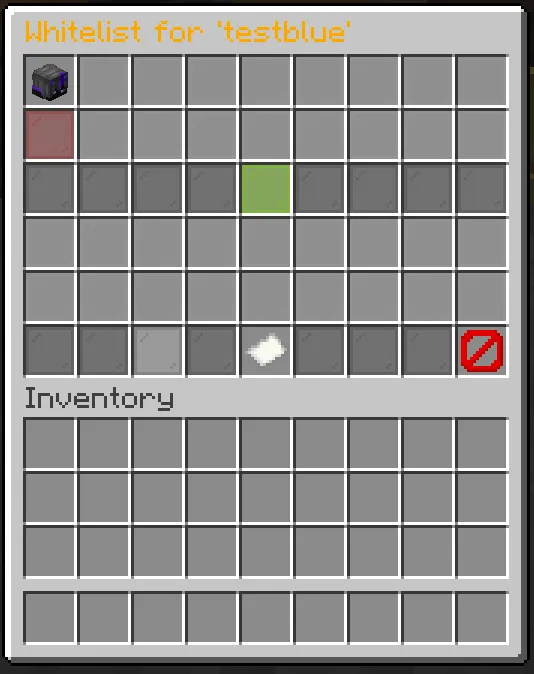
Whitelist
The whitelist lets you define which players can bypass your claim’s protections.
/claim whitelist add <type> <name> <player>
/claim whitelist remove <type> <name> <player>
You can also manage the whitelist directly through the UI:
Other Commands
Use /claim who to check who owns the claim
in the area you are currently standing in.
Claims are an essential part of keeping the BuildMC world safe and organized, so use them wisely and protect what you create!