 Baggel
Spawn Elytra System
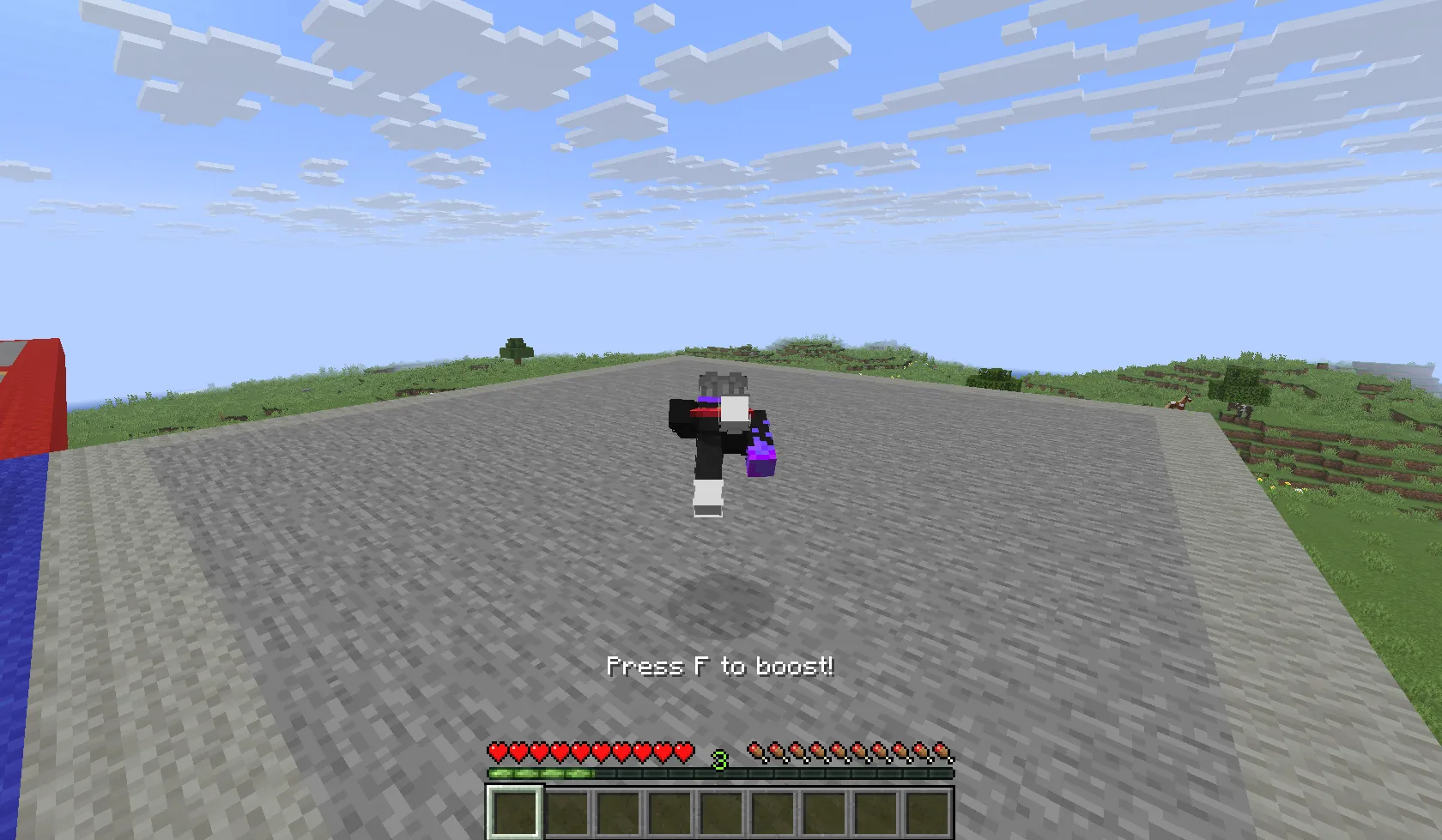
The Spawn Elytra System gives players temporary elytra flight inside a defined Elytra Zone, an area usually located around spawn or a starting island. It helps players quickly spread out at the beginning of a season or event, without needing their own elytra.
This feature was inspired by the Craft Attack series and is designed to make the early-game experience smoother and more dynamic. It allows everyone to take off and glide easily from the spawn area without providing permanent flight.
Setting Up the Elytra Zone
You can set up an Elytra Zone directly in-game using the following command:
/buildmc elytrazone setup <pos1/pos2> <coordinates>
After running this command, the Elytra Zone will be immediately available. Alternatively, you can define the coordinates manually in your configuration file:
spawn-elytra:
  zone:
    pos1:
      x:
      y:
      z:
    pos2:
      x:
      y:
      z:
    world:
You must restart the server for any configuration changes to take effect.
Configuration Options
The configuration for the spawn-elytra section allows you to fine-tune
how the system behaves:
- enabled: Toggle the system on or off.
- boost-strength: Adjusts the vertical boost applied when players start flying (default:
5). - allow-fireworks: Controls whether players can use rockets while flying with the spawn elytra.
- disable-on-join: Determines if flight is disabled immediately when a player joins the server.
spawn-elytra:
  enabled: true
  boost-strength: 5
  allow-fireworks: false
  disable-on-join: true
  zone:
    pos1:
      x: 100
      y: 64
      z: 100
    pos2:
      x: 200
      y: 90
      z: 200
    world: world
Tips & Best Practices
- Keep your Elytra Zone boundaries clearly defined. Keep in mind the bounds are invisible to players.
- Use
/buildmc elytrazone setupin creative mode for easier placement. - Restart the server after editing the config to ensure proper loading.
The Spawn Elytra System helps make early exploration smoother, reducing crowding at spawn and improving the flow of new seasons or events.