 Baggel
End Event System
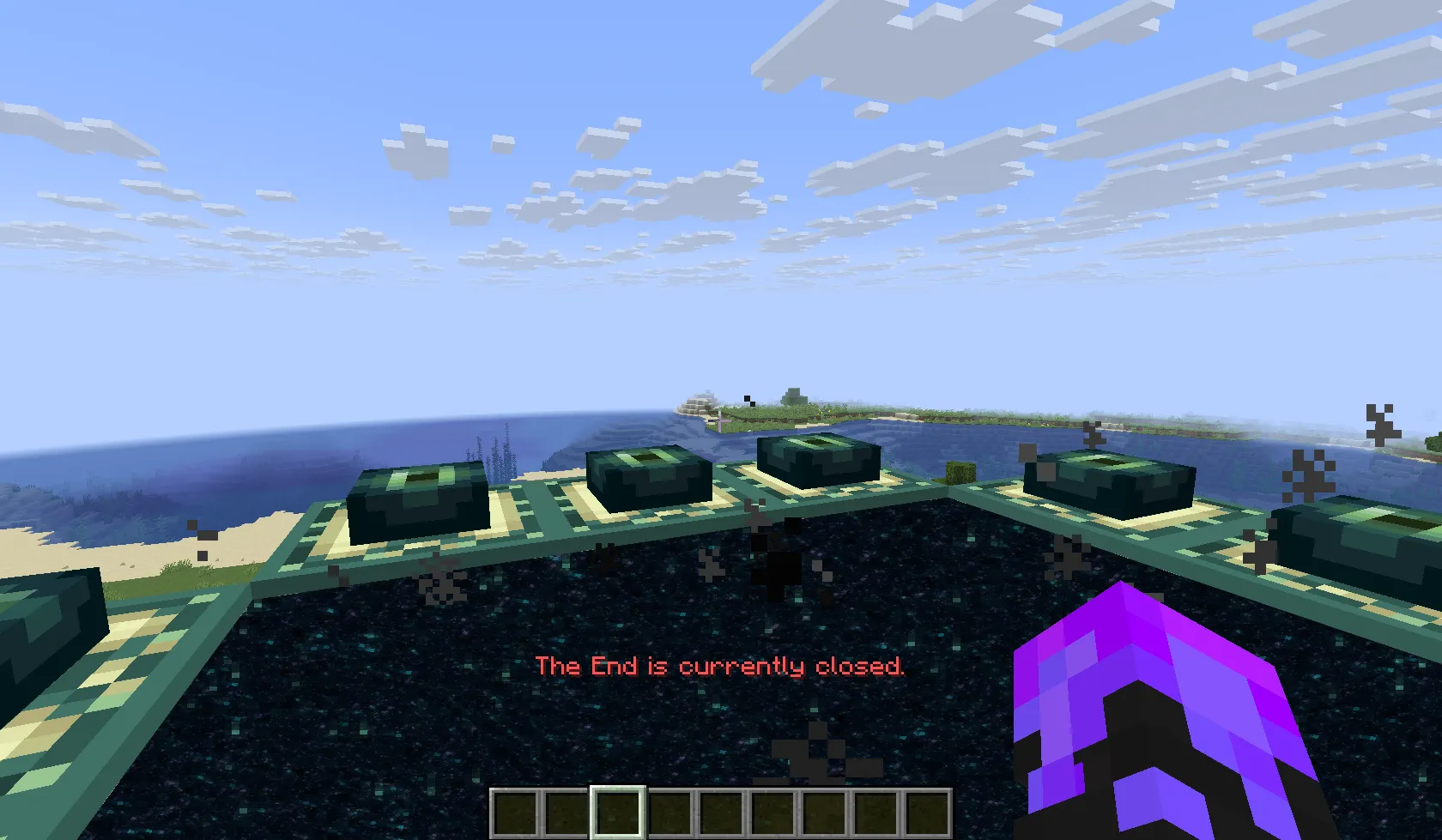
In most BuildMC events, the End Dimension is closed at the beginning of the project. A specific date is later chosen for the community to open the End and fight the Ender Dragon together.
Previously, this was managed manually through the server.properties file, requiring a full server restart, a tedious process.
The End Event System automates this, allowing real-time control of the End portal state directly in-game.
By default, the End is blocked and players cannot enter End Portals. Administrators can open it instantly with:
/buildmc endevent open
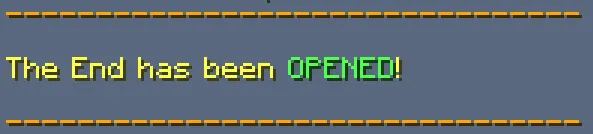
Executing this command broadcasts a global announcement and immediately allows access to the End. The current End state can also be modified in the config file, but using the command is recommended, as it updates instantly without requiring a restart.
Note: In newer Minecraft versions, this feature overlaps with the built-in gamerule that controls End portal access. The BuildMC system still adds value through its integrated broadcast and event management features.
Configuration
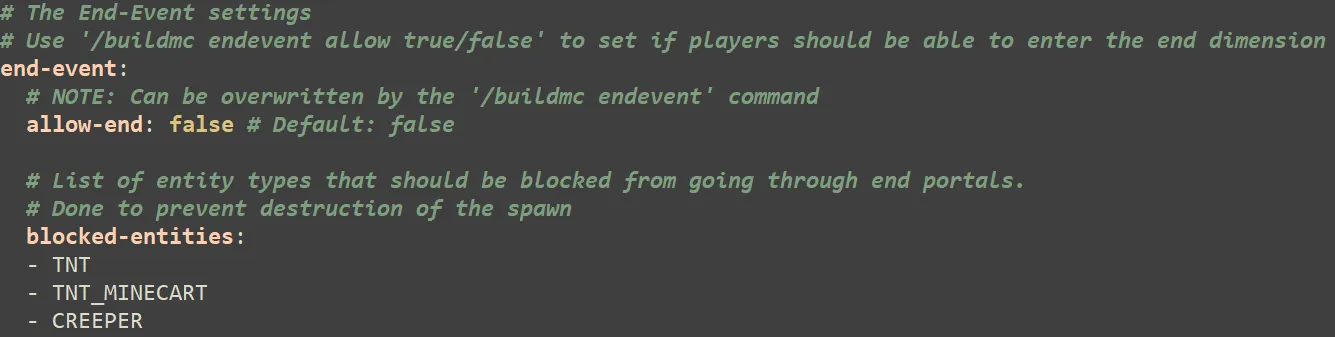
The End Event settings can be found in the plugin’s configuration file:
By default, explosive entities are blocked from entering End portals to prevent destruction near spawn. It is still strongly recommended to protect the spawn area with a claim or region that blocks explosions entirely.
Customizing Messages
The broadcast message shown when the End is opened or closed is stored in the language files. These are located at:
plugins/BuildMC-Core/lang
Within each language file (e.g., en-US.yml), find and modify these keys:
messages:
  end-event:
    broadcast-opened: "<green>The End has been opened! Prepare for the fight!"
    broadcast-closed: "<red>The End has been closed!"
Update all relevant language files to ensure consistency across client languages. Restart the server after editing to apply changes.
Tip: Keep your broadcast short and clear, it’s a moment everyone will see.